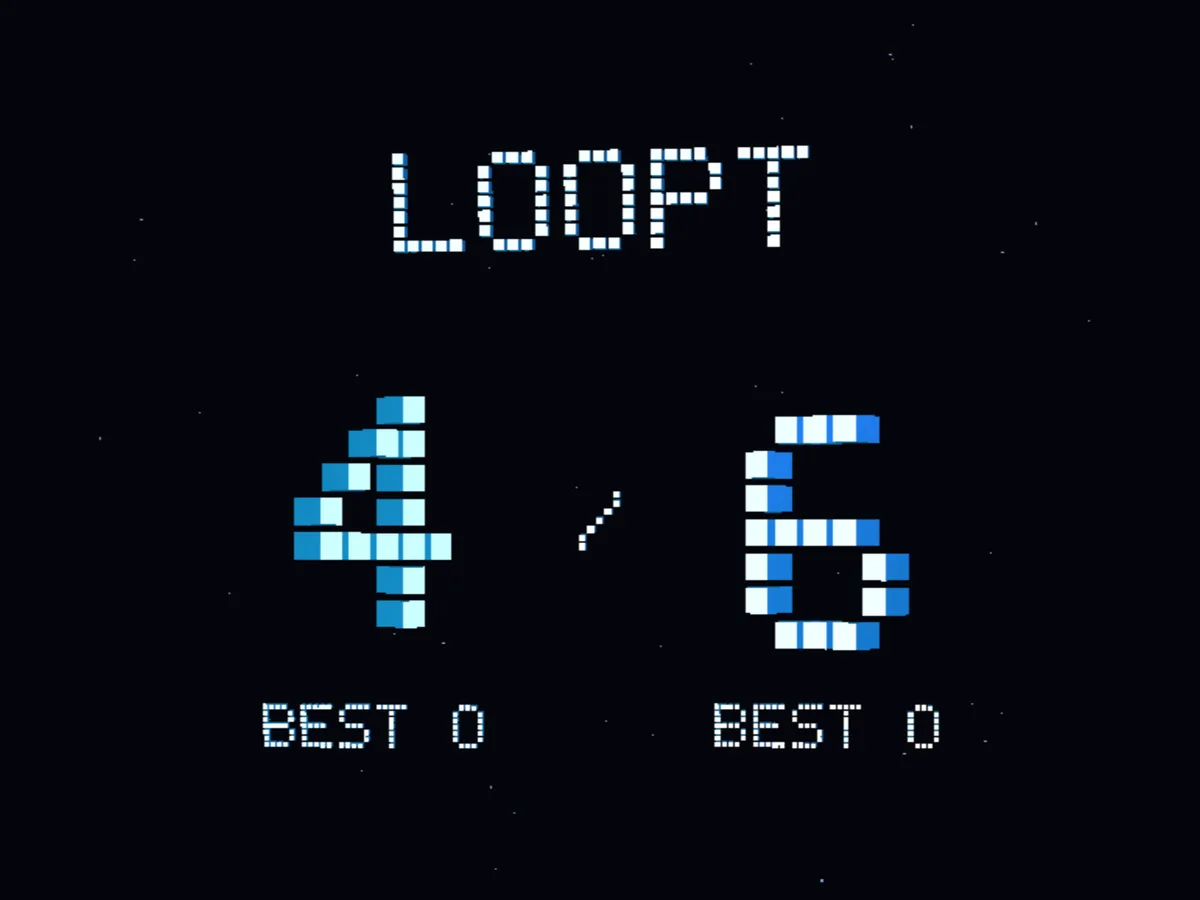
Start with 4 or 6 digits
Choose a shorter sequence or try six digits for a harder challenge.

LOOPT
Memorize 4 or 6 digits, then type them back in order. Play on iPhone or Apple Watch. The Watch app is free, with no ads or in-app purchases.

Version 1.1.0 / Released Feb 21, 2026
Choose 4 or 6 digits, open an optional notification challenge, or compare your runs on iPhone leaderboards. You can also play on Apple Watch.
Choose a shorter sequence or try six digits for a harder challenge.
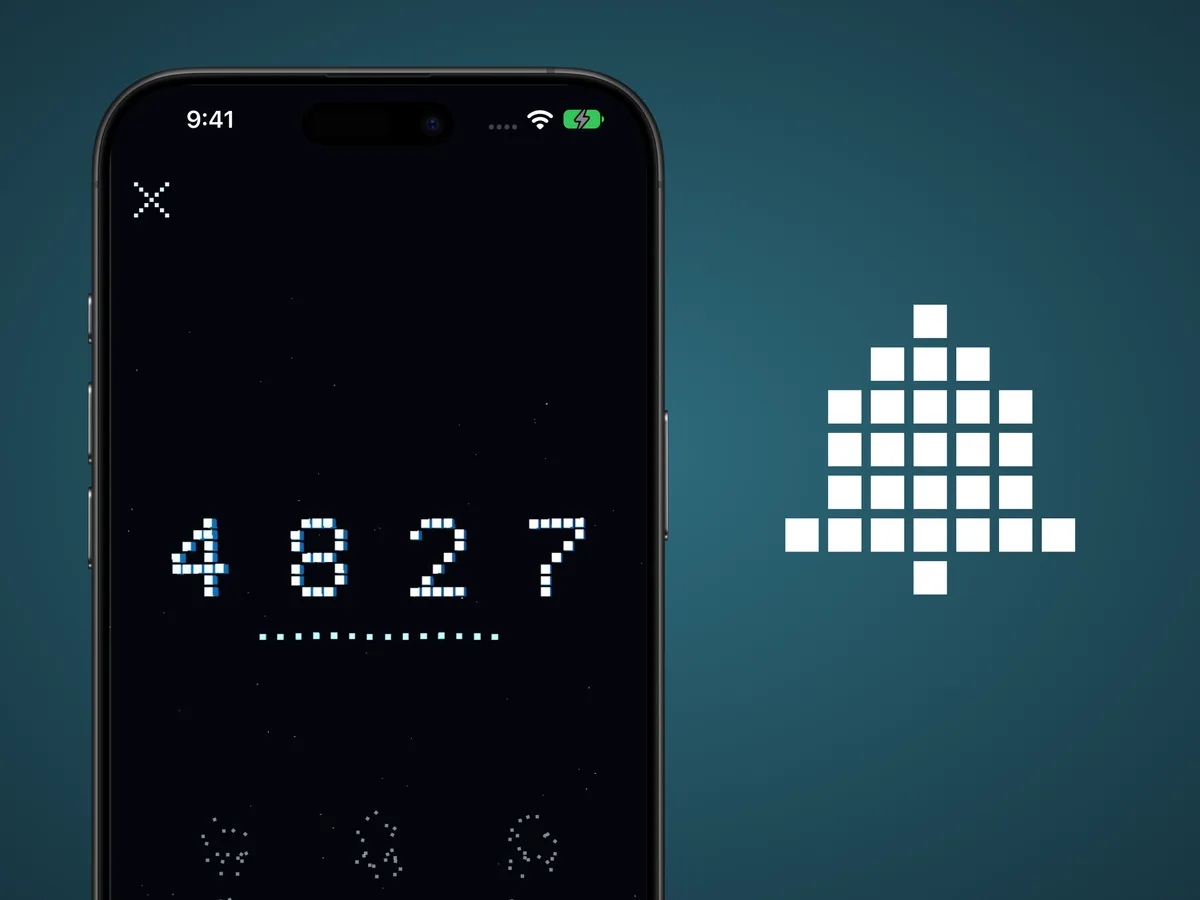
Turn on notifications for number challenges and choose their timing in Settings.
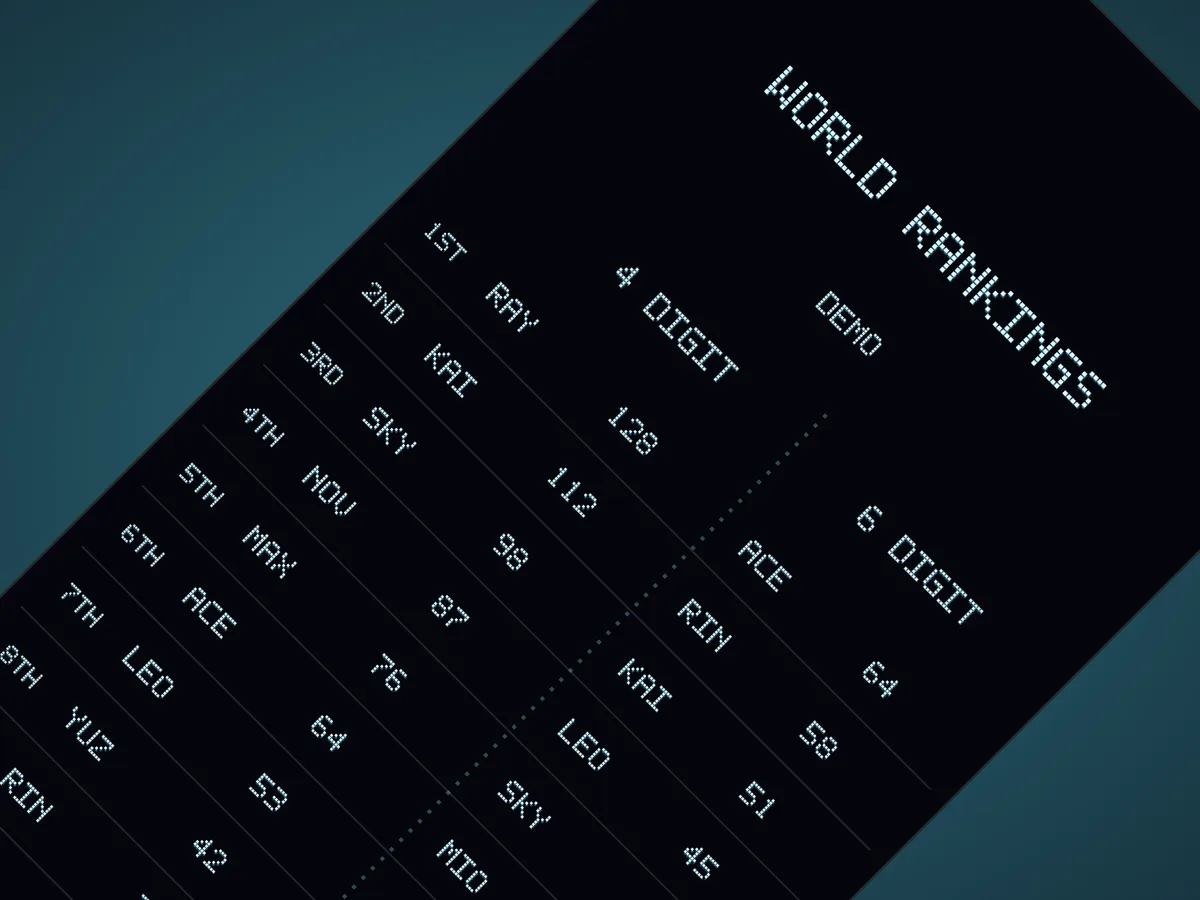
Build a run of correct answers and see how it compares on separate 4- and 6-digit leaderboards. Adding a name is optional.
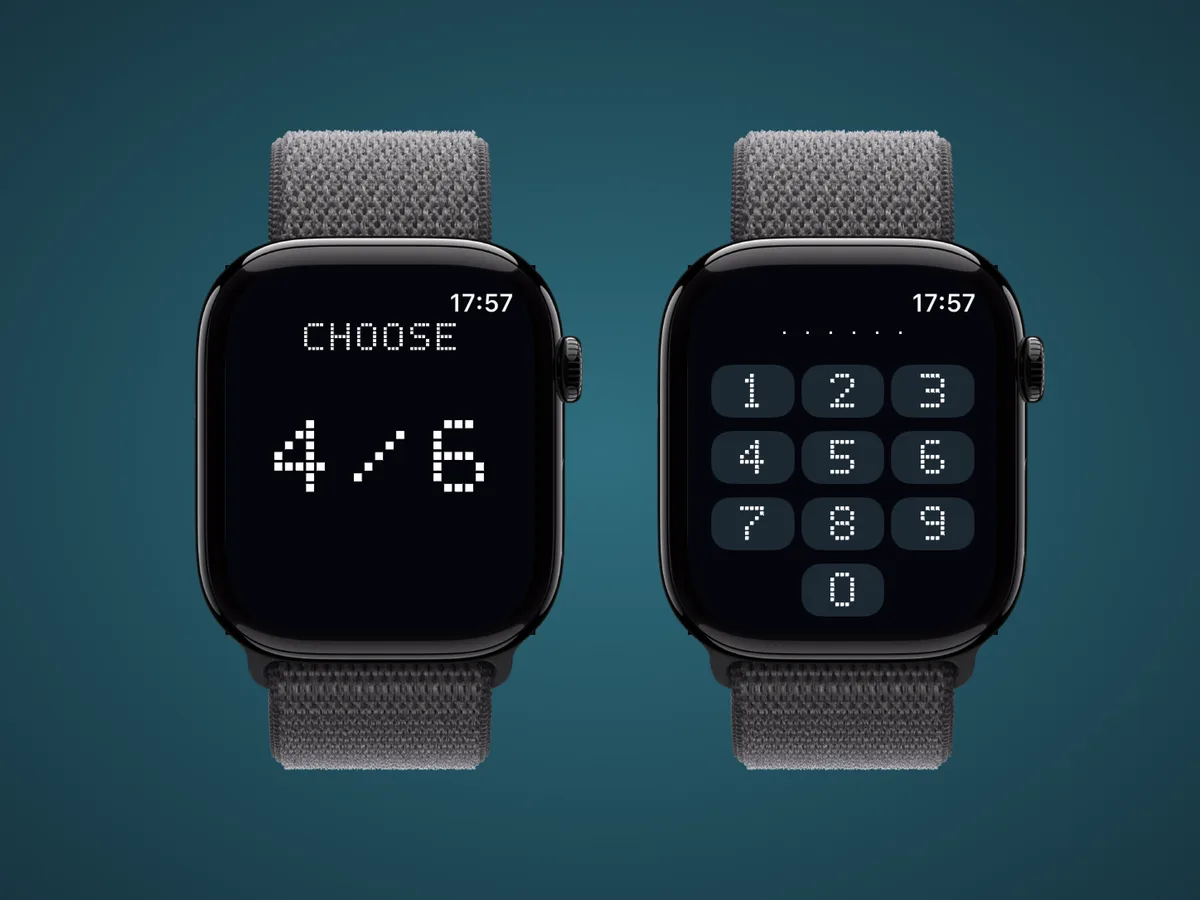
Play 4- or 6-digit rounds on your wrist, or open a challenge forwarded from your iPhone. The Watch app is free, with no ads or in-app purchases.
Choose 4 digits for a shorter sequence or 6 for a longer one. Start with 4 if you’re new.
On iPhone, you can turn off the time limit, reduce motion, and adjust sound in Settings. Regular Watch rounds start with a 3.5-second memory countdown. A valid challenge notification goes straight to the number pad. Watch animations follow the watchOS Reduce Motion setting.
They’re optional. Turn them on and choose their timing in Settings. Notification challenges don’t count toward the regular leaderboards. The app schedules up to 7 days of challenges and adds more when you open or return to it. Delivery depends on your device settings and conditions.
No. All numbers are generated for the game. LOOPT doesn’t generate or store real authentication codes or OTP secret keys.
Play 4- or 6-digit rounds for free, with no ads or in-app purchases. Each round ends with a result. Tap ↻ on the right for a new round with the same number of digits, or × on the left to choose 4 or 6 again. Open a valid challenge notification forwarded from your iPhone to enter those same digits immediately. The Watch won’t show the number again. Leaderboards and the Remove Ads purchase are available on iPhone. Notification delivery depends on OS settings and conditions.
2026-02-21
Version 1.1.0 was released.
February 21, 2026
The app was released.
2026-02-10
Version 1.0 was released.
LOOPT
A brain game for your next break. Memorize 4 or 6 digits and type them back in order. Play on iPhone or for free on Apple Watch.