Add a count with ease.
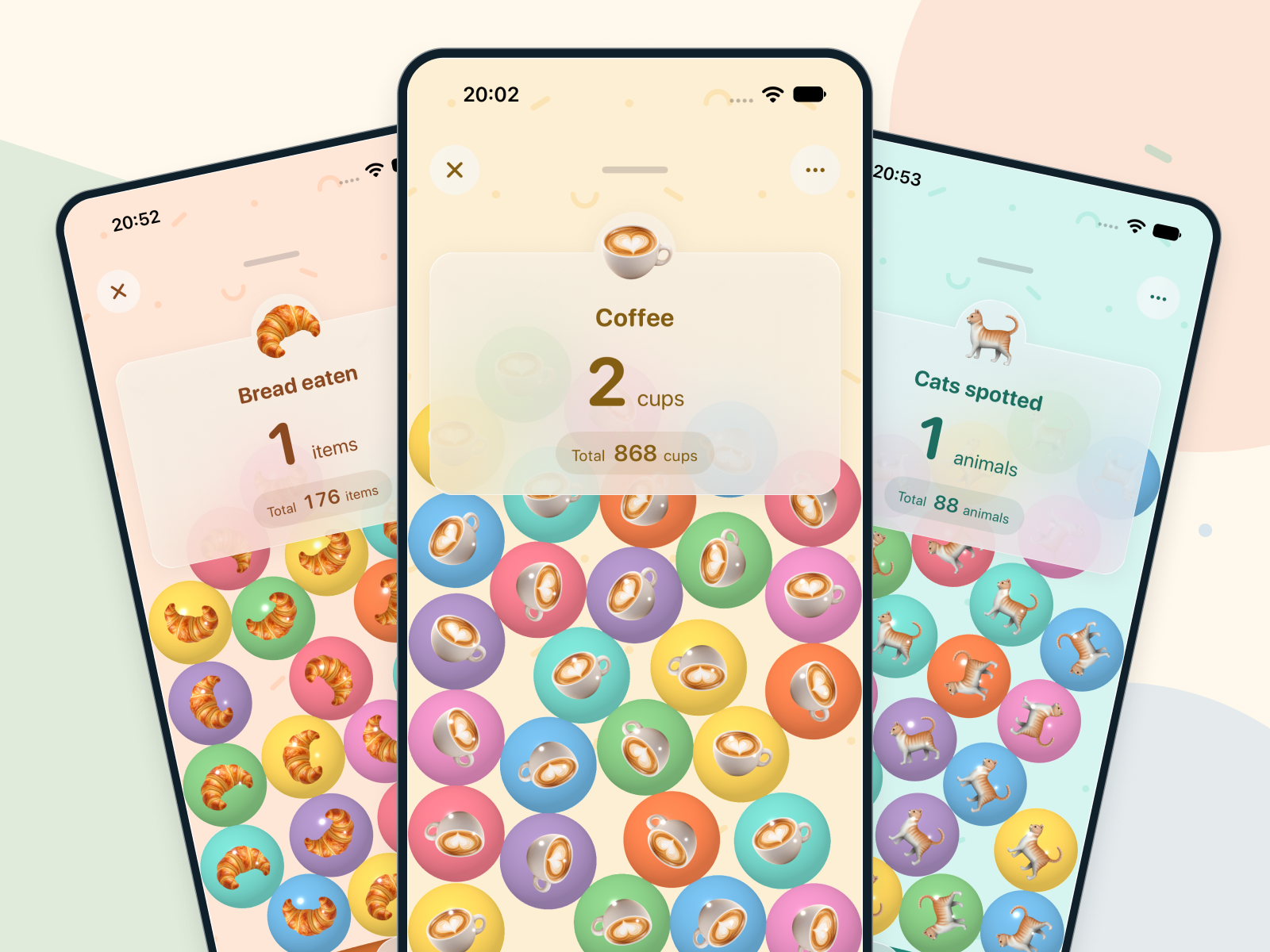
Add one with a tap when something comes to mind, or enter a number or amount in one go. Choose the way that fits the moment.

Countain
Easily count whatever catches your attention. Watch your own numbers add up, then enjoy looking back.

Slices of bread eaten, cups of coffee, cats spotted. Make a counter for familiar routines or whatever catches your attention. Screenshots show the next update in development; the current release looks different.
Add one with a tap when something comes to mind, or enter a number or amount in one go. Choose the way that fits the moment.
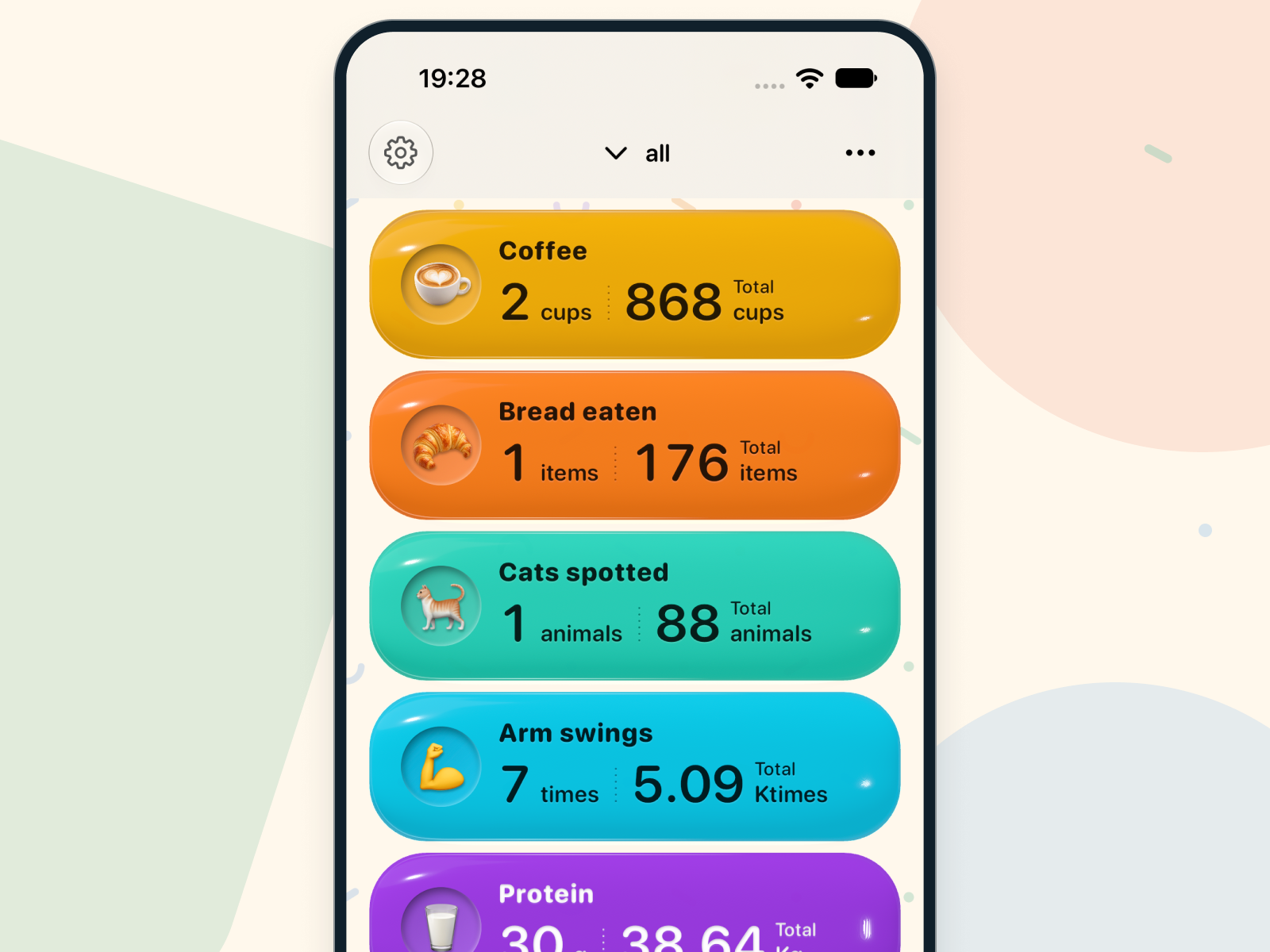
Create a counter for each thing you want to track. See today’s records and accumulated totals together, and look back at what you have kept up.
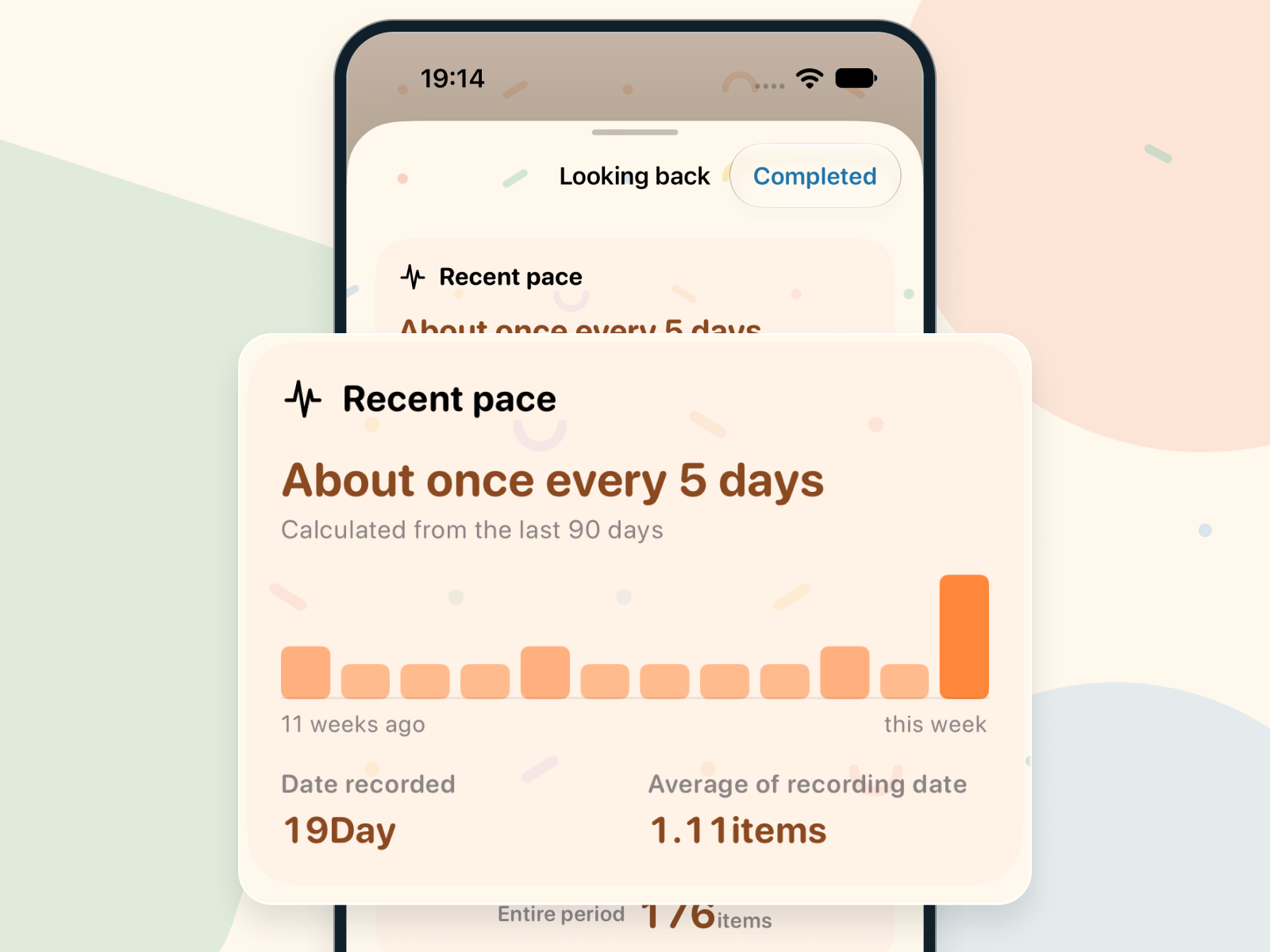
Explore your calendar and history to see when and how much you recorded. Discover your pace and how the little things add up.
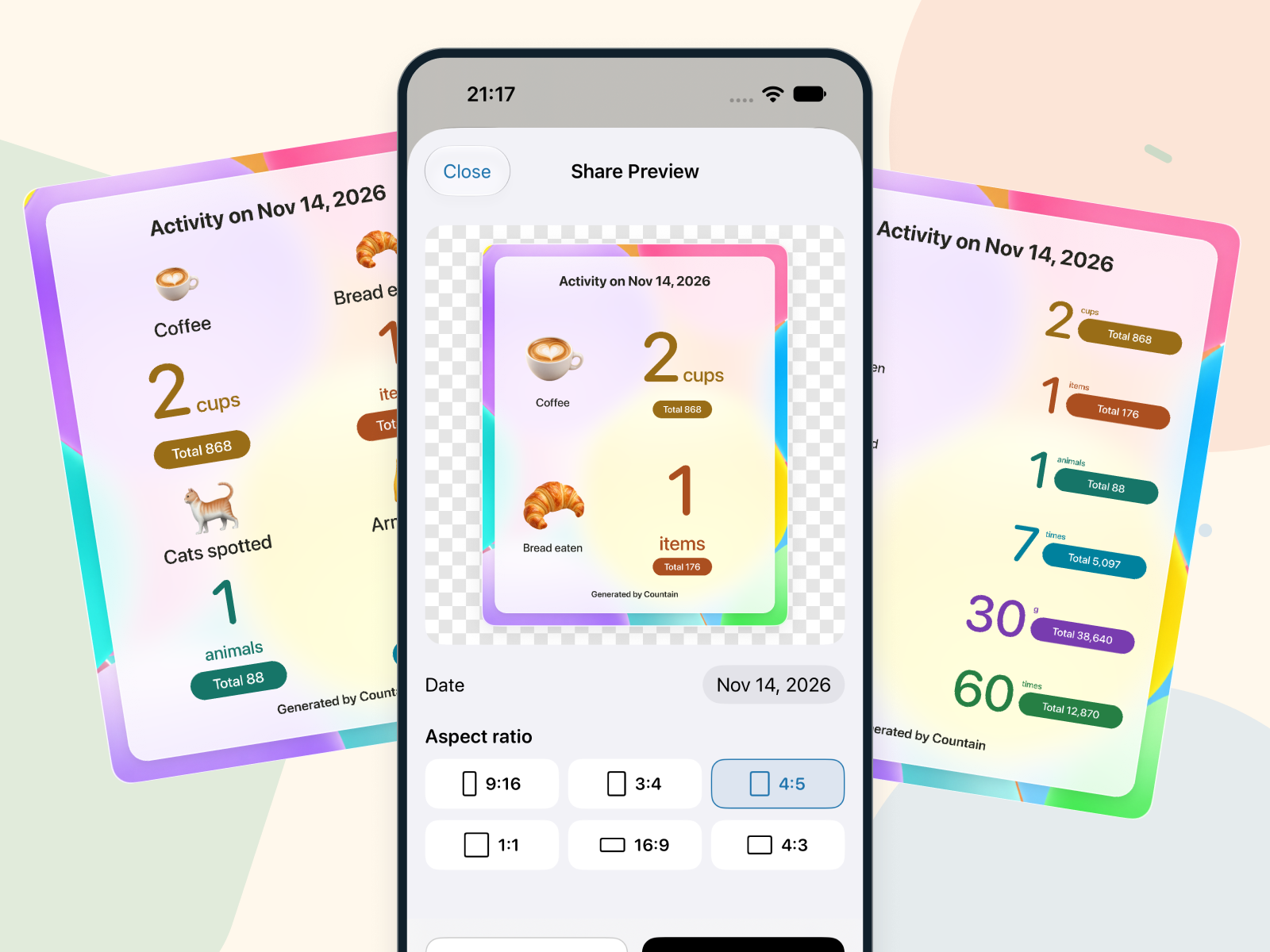
The current release lets you share regular counter records as text. Image sharing with a chosen date, up to six counters, and an aspect ratio is planned for the next update. Protected counters are excluded.
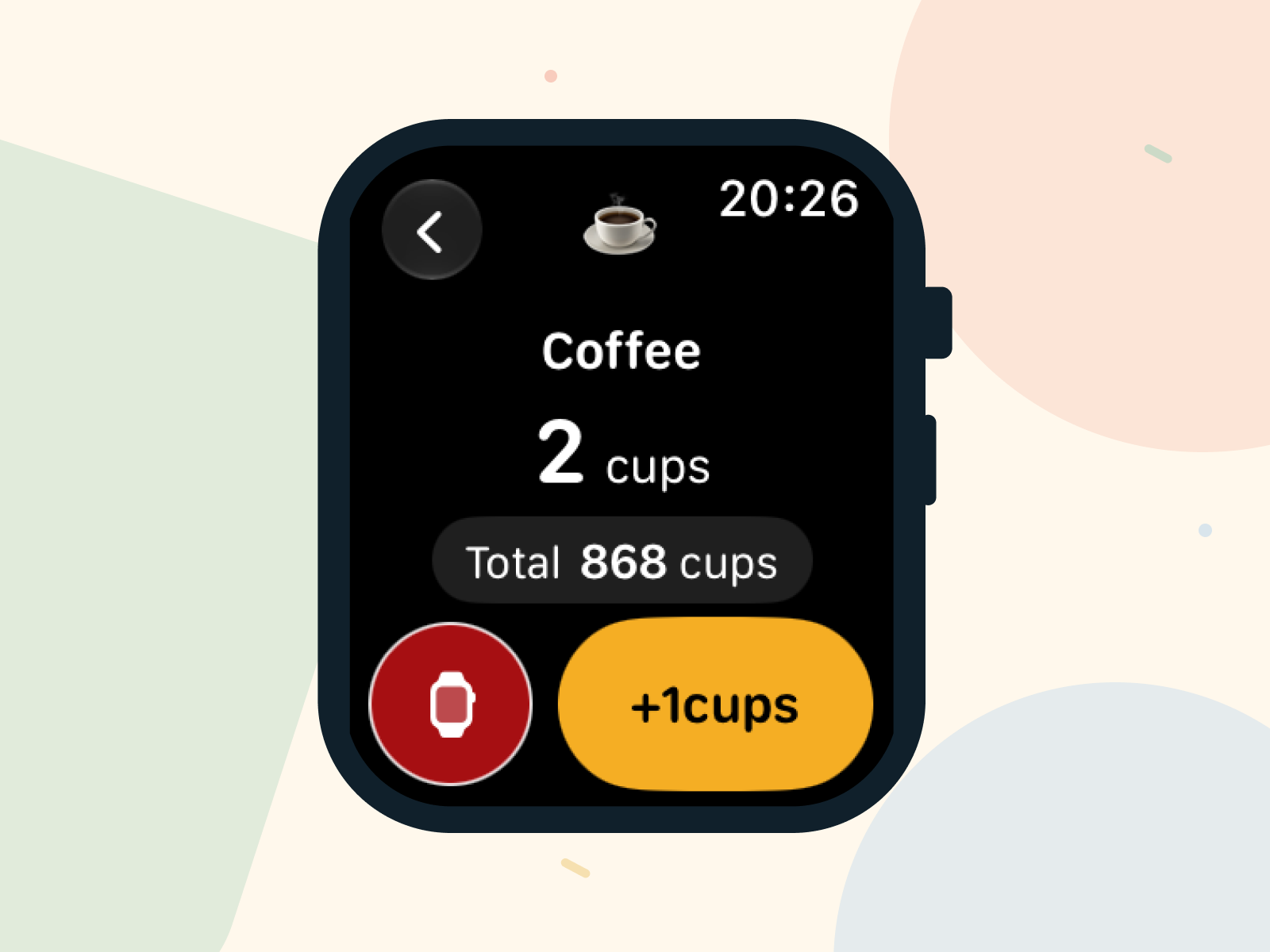
Add a count from your wrist without reaching for your iPhone. Records sync to your paired iPhone when connected, ready to review later.
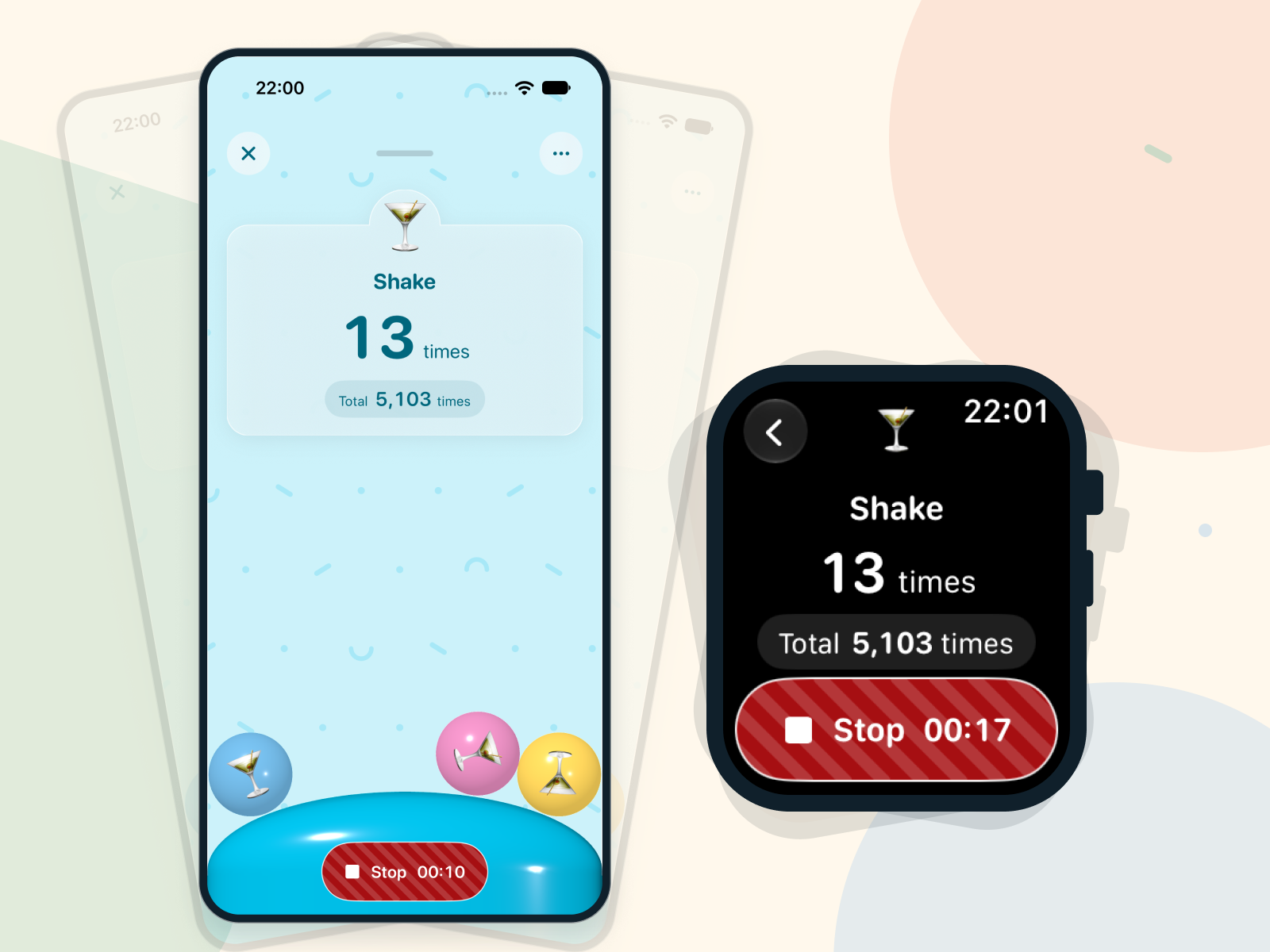
Turn movement into counts. In the current release, Countain Pro lets you record by shaking your iPhone or Apple Watch. Free 10-second sessions with a 10-second wait are planned for the next update.
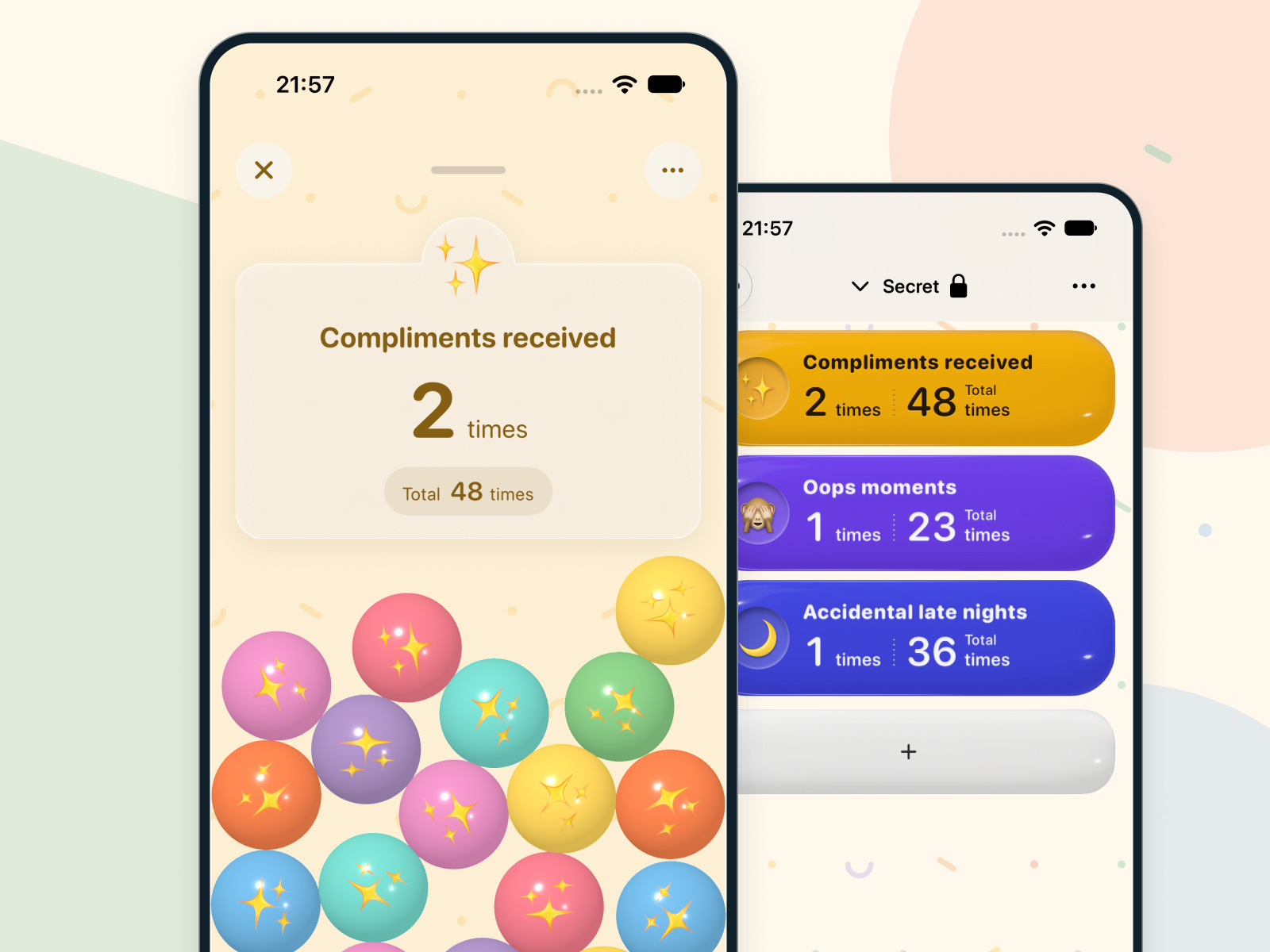
With Countain Pro, protect a category for records you want to keep to yourself. Its counters stay out of All; choose the category and authenticate to open them. The category name and counter count remain visible.
Choose what works for the things you count.
| Feature | Free | Pro |
|---|---|---|
| Counter limit | 5 regular counters | 50 in total |
| Tap and manual entry | Included | Included |
| History and reflection | Included | Included |
| Share records as images | Planned next update | Planned next update |
| Apple Watch tap counting and sync | Included | Included |
| Shake counting on iPhone and Watch | Not included (free trial sessions planned) | Included |
| Private counters (protected categories) | Not included | Included |
| Advertising | None currently | None currently |
The five free counters include the samples. The Pro limit of 50 includes counters in protected categories. The current release shares text. Image sharing for up to six counters is planned for the next update and excludes protected counters. Pro is an auto-renewing subscription: ¥150 monthly or ¥1,200 yearly in Japan. Check the purchase screen for current local pricing and terms. Apple Watch shake counting for regular counters starts an exercise workout and saves its duration to Apple Health. Motion and Health permissions are required. Shake counting for protected counters and on iPhone runs in the foreground. Advertising is planned for a future update. No ads are shown currently. Timing and applicable plans have not been decided.
Counter records are stored on your device. There is no iCloud sync. Apple Watch workout measurement also saves workout duration to Apple Health.
Countain Pro lets you protect a category. Its counters are omitted from All. Select that category and authenticate to view them. Protected counters are excluded from notifications and sharing.
The current release supports sharing regular counter records as text. Image sharing for a chosen date and up to six regular counters, plus saving to Photos, is planned for the next update. Saving to Photos will require add-only permission. Counters in protected categories are excluded.
Records are not automatically deleted when Pro expires. Choose up to 5 regular counters to keep recording. Other records remain available to view and delete. Contents of protected categories are not revealed in All.
Yes. Record the counts and amounts you care about without setting a goal. Look back at your own pace, without judging whether a number is high or low.
For regular counters, shake counting starts an exercise workout. It requires motion access and permission to write workouts to Apple Health, can continue with the screen off while watchOS allows the workout to run, and saves workout duration to Health. Countain does not read heart rate or location. Shake counting for protected categories runs in the foreground and stops when the app goes into the background. iPhone shake counting also runs in the foreground. Saving to Apple Health and syncing to iPhone can take time.
Countain
How many cats did you spot on your walks this week? Tap the tally counter on Apple Watch, then look back at what you counted.